
Infernal field manual
Your first shift in Hell.
Start small, connect every dependency, and expand only when the machine is stable. Everything here is built to help you understand the city without rushing it.
Quick start
Build the smallest working city
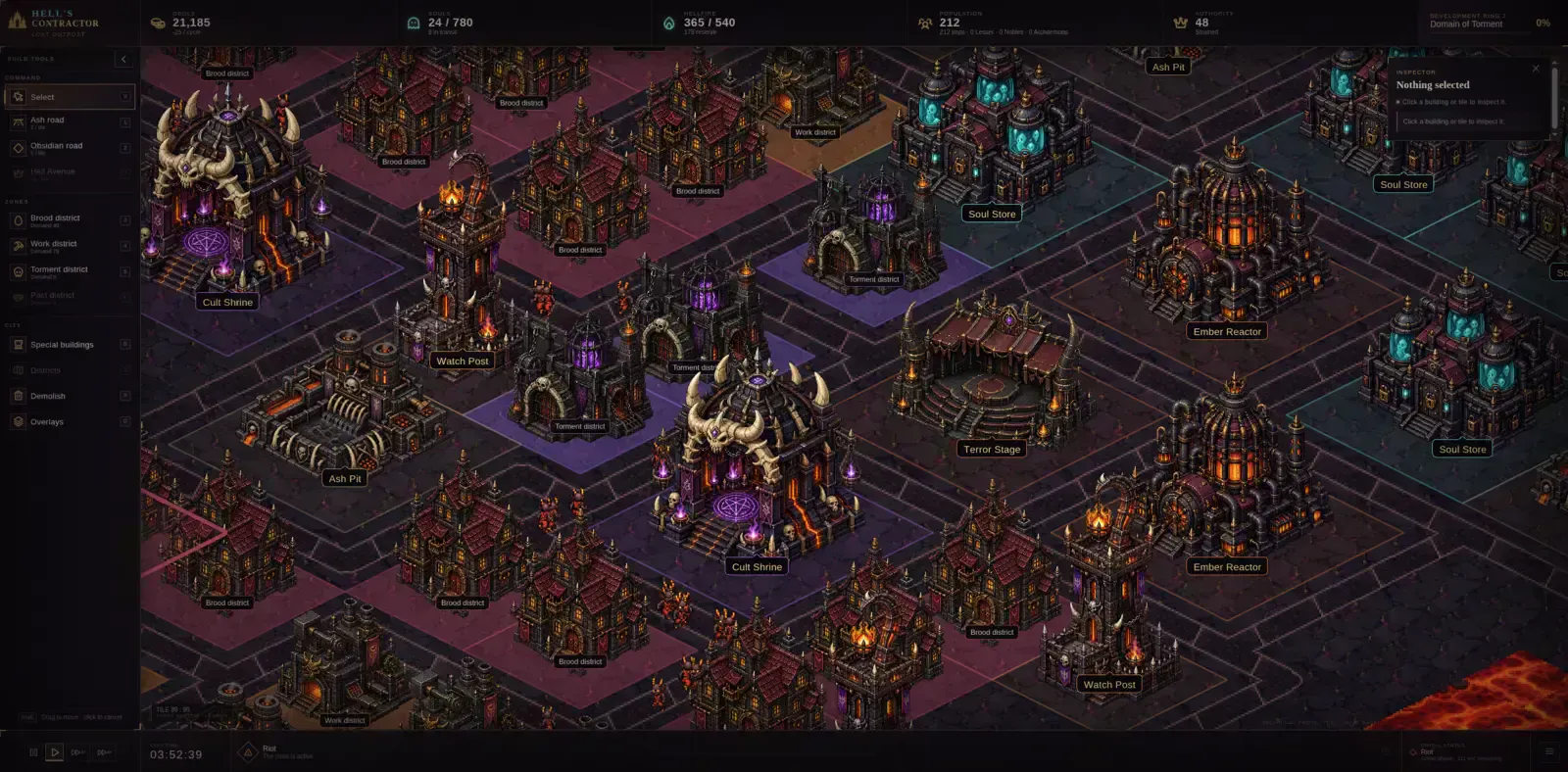
Your first goal is not size. It is one reliable loop that can receive souls, move them, house them, process them, and power the buildings involved.
- Place the essentialsConnect the Soul Gate, storage, processing, housing, and Hellfire to roads.
- Watch the overlaysCheck access, power, traffic, and service gaps before building more.
- Zone carefullyGrowth follows real demand and the conditions your city provides.
- Keep a reserveDo not spend every Obol before opening the next dependency.
- Pause and redesignThe simulation can wait. Take your time and rebuild what no longer works.
Controls
Move through the city
Hell's Contractor is designed for a desktop browser with mouse and keyboard. Fixed buildings show their complete footprint before placement.
Placement: Roads and free-form zones can be dragged. Buildings and fixed lots are placed atomically with one click after the footprint preview turns valid.
Saves
Your city stays local
Saves are stored in your browser using IndexedDB. Autosaves, manual saves, and export/import protect long-lived cities. There is no closed-tab or wall-clock progression.
Changing browser or device? Export the city first and import it in the new browser. Cloud saves are not currently available.
Requirements
Current prototype
- A current desktop browser with WebGL support
- Mouse and keyboard
- A minimum viewport of 1280×720
- Local browser storage enabled for saves
Commercial Windows and Linux desktop releases are planned, but are not yet available.
Common questions
Before you summon support
Does the city progress while the game is closed?
No. Hell's Contractor advances only while you are actively playing.
Is there a final victory screen?
No. Ring VI unlocks the Eternal Capital stage, after which the city can continue indefinitely.
Can a failed city recover?
Yes. Crises and receivership impose consequences, but failure is designed as a playable state rather than an automatic game over.
Can I transfer a save?
Yes. Use export and import to move a city between supported browsers or devices.
Still stuck?
Send word from the city.
Tell us what happened and include your browser, the action you were taking, and a screenshot if possible.